MuteWatch
Your microphones, together.
- Choose which Windows microphones MuteOne controls.
- Read the confirmed mute state in the notification area.
- Keep connected MuteOne light rings in sync.
 Founders £139 ↗
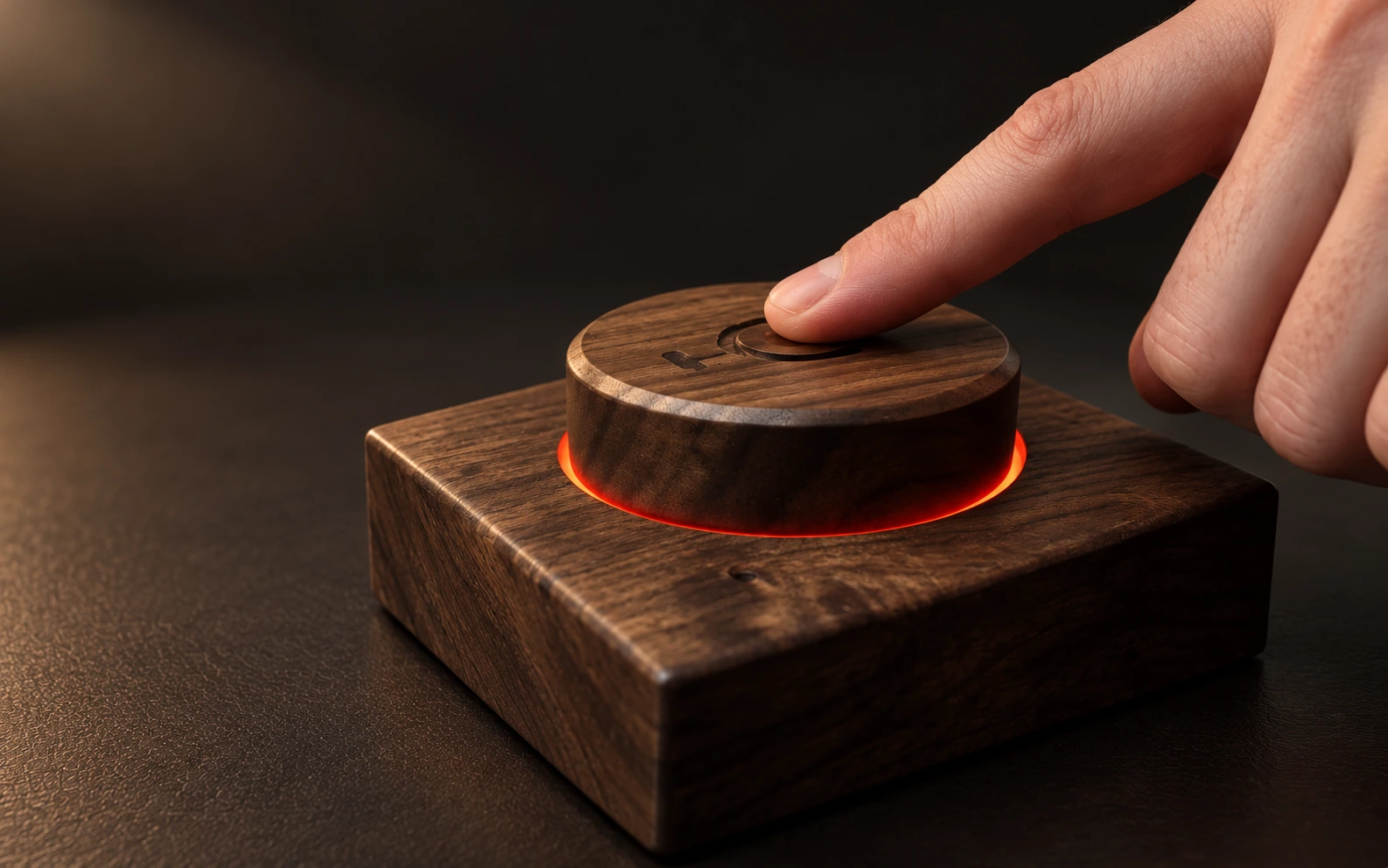 AI-enhanced image / MU1
A definitive desktop mute control
One substantial piece of walnut.
One unmistakable action.
A little more certainty on your desk.
01 / The object
When the conversation matters, mute deserves more than a tiny icon.
MuteOne puts a broad walnut crown within easy reach. Press it. Feel the solenoid respond. Read the ring of light. Get back to the conversation.
A useful tool, made with the same care as everything else you choose for your desk.
02 / Material & mechanism
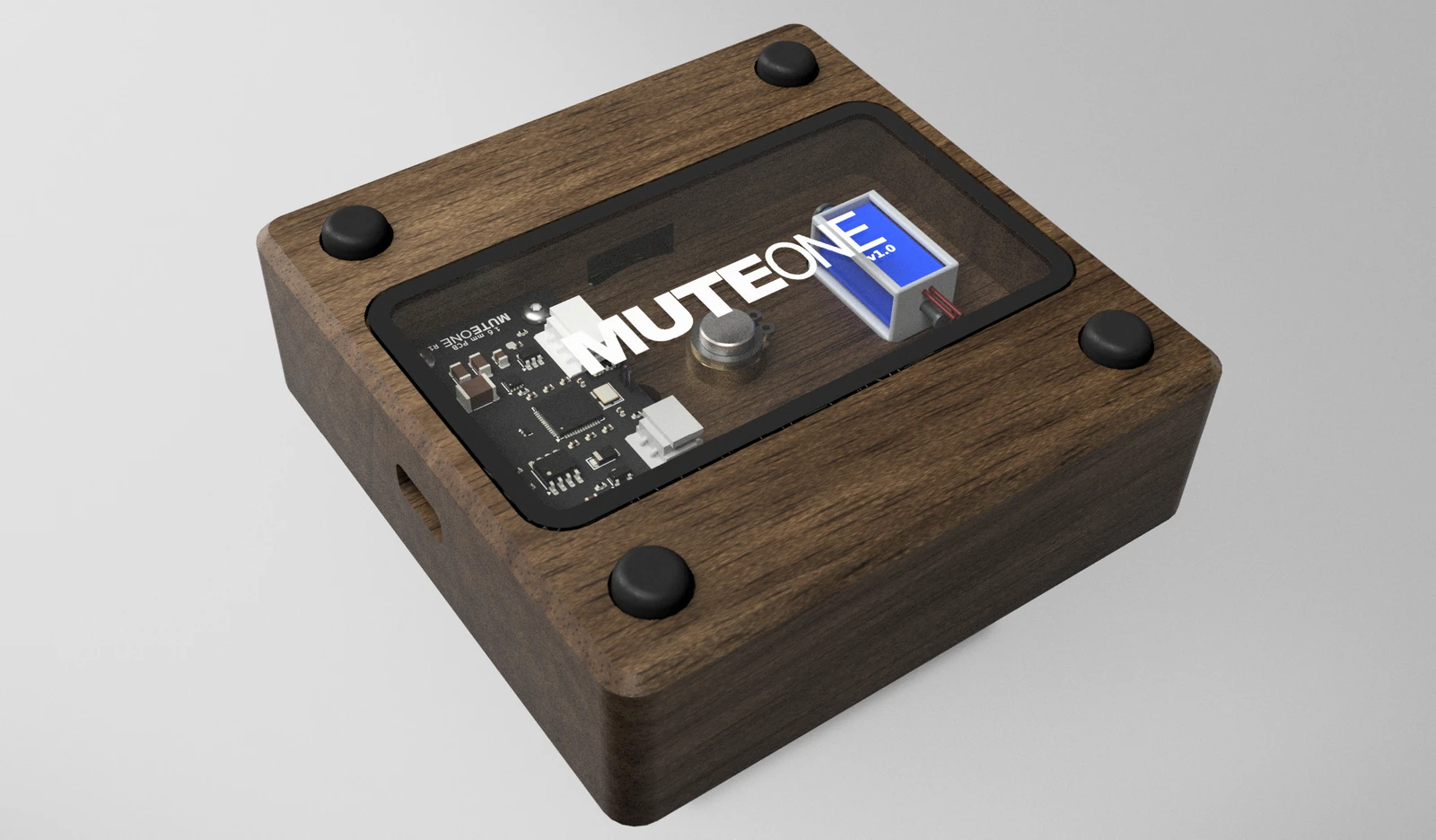
Machined wood. A steel shaft and return spring. A magnet and Hall sensor to read the crown’s position. A solenoid to give the action a physical response.
Underneath, a glass cover offers a glimpse of the custom electronics. Every piece of walnut brings its own grain.
Take it apart, without a screwdriver ↓03 / Inside MuteOne
Scroll to reveal the assembly.
From the walnut crown to the custom PCB.
Explore the actual CAD design, one layer at a time.

Scroll to explore, or drag the slider.
Watch the film ↗04 / Clear at a glance
Press the crown to preview the light.
A ring of light beneath the crown makes the state easy to read. Green for live. Red for muted.
With MuteWatch, the ring follows the mute state of your selected Windows microphones. With Mute Configurator, choose the colours, brightness and response that suit your desk.
Colours shown are the default scheme. You can customise them.
05 / Your desk. Your settings.
The MuteOne installer brings MuteWatch and Mute Configurator together for Windows 10 and 11.
MuteWatch 1.01 + MuteOne Configurator 1.02. Windows 10 / 11 · .NET Framework 4.8 or later.
Your microphones, together.
Make the button yours.
06 / The details
Dimensions from the current CAD design. Natural wood and final production tolerances may vary.

Before you press
MuteWatch controls the Windows microphone inputs you select. It checks their Windows mute state and synchronises the MuteOne light ring. It does not record audio.
Not necessarily. MuteWatch changes the Windows microphone state; Teams or Zoom may keep their own mute icon unchanged. Mute Configurator also offers dedicated Teams and Zoom button modes.
Yes. Mute Configurator provides light colours, brightness, animation, solenoid response, button mode and guided calibration.
The companion software shown here is for Windows 10 and 11. A macOS version is not currently offered.
The hero is an AI-enhanced version of supplied MuteOne imagery. The CAD renders and exploded reveal show the current design. Finished product photographs will follow when complete units are ready. Walnut colour and grain will vary from unit to unit.
The dispatch schedule is being finalised. A delivery estimate and shipping costs will be shown before paid pre-orders open.
The first twenty-five
Twenty-five numbered MuteOne controls from the first production run. The beginning of something substantial.
Founders £139 / Regular £159 / Save £20
Dispatch timing and shipping will be confirmed before orders open.
PayPal checkout is being prepared.
Ask about the founders’ release ↗